New this week

Coastal Dune Color Palette – 30 Hex Codes + Procreate Swatches

$2.99 one-time · yours forever · v2

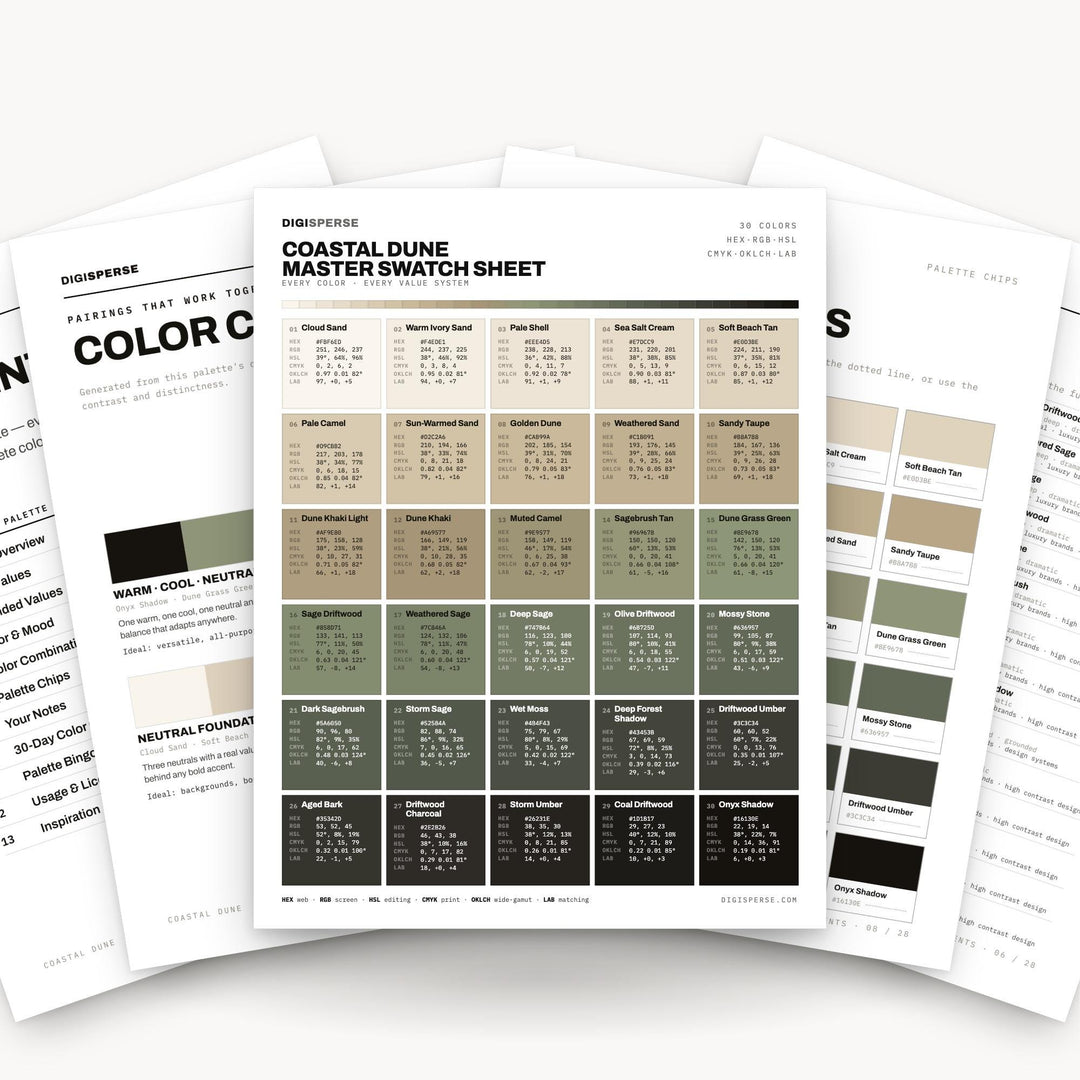
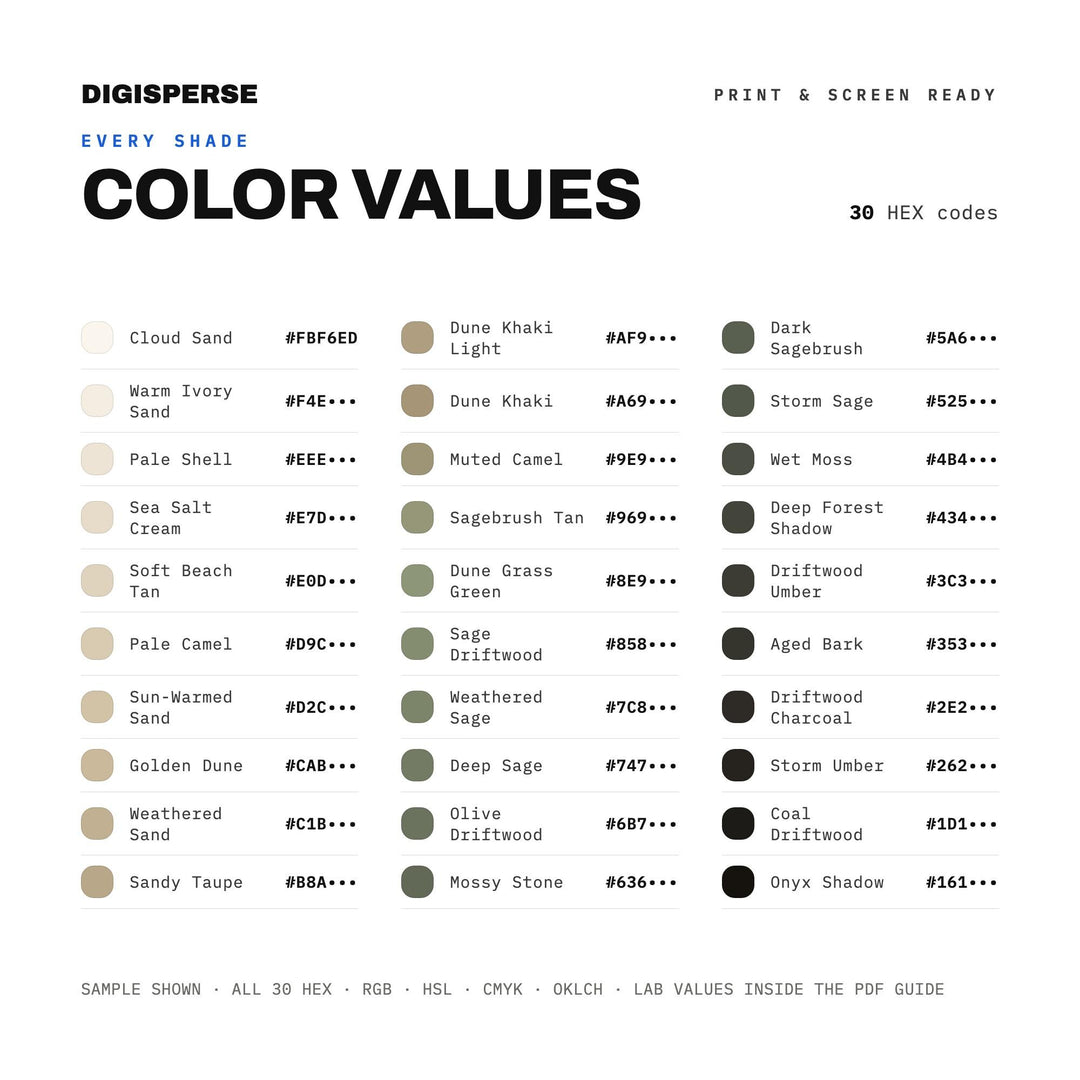
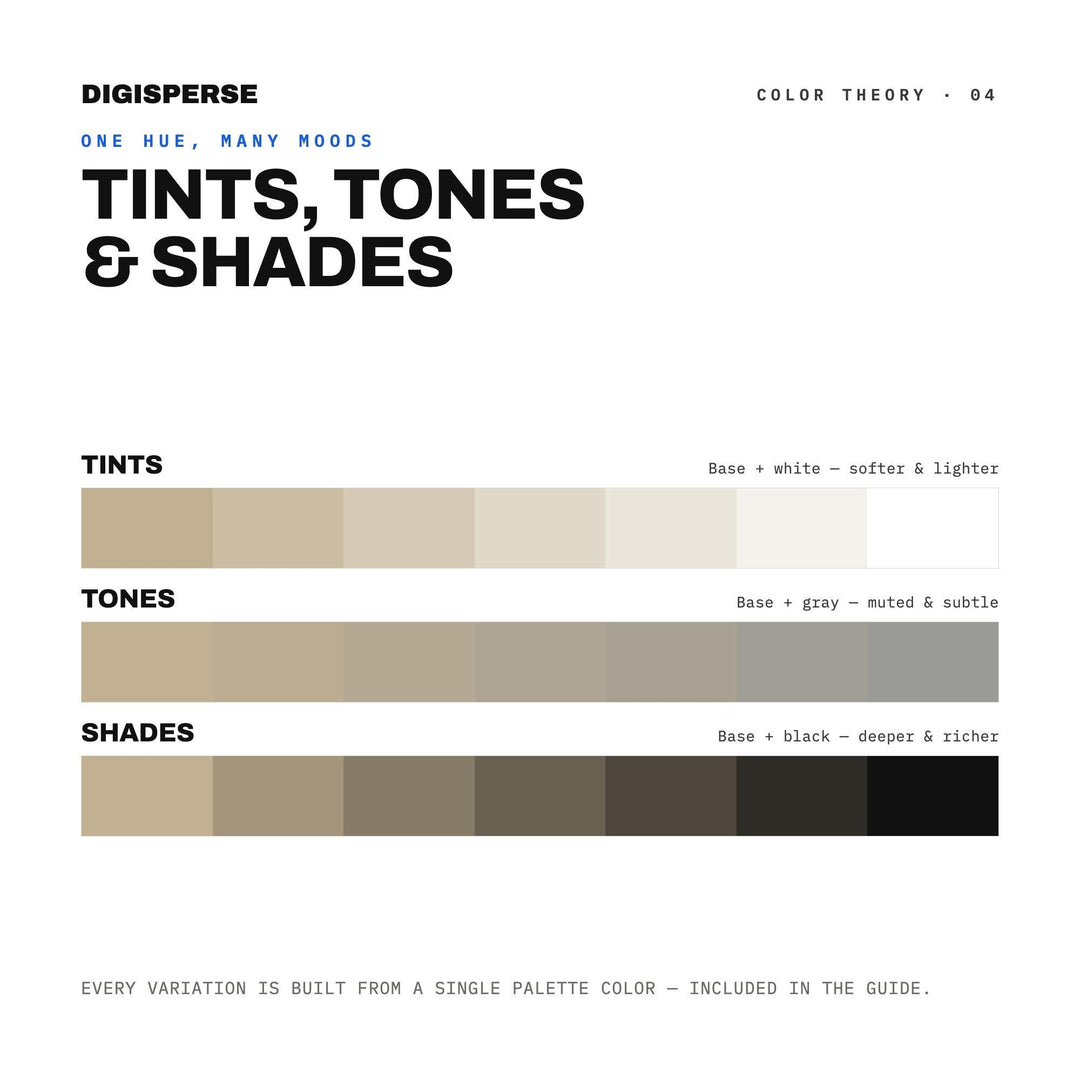
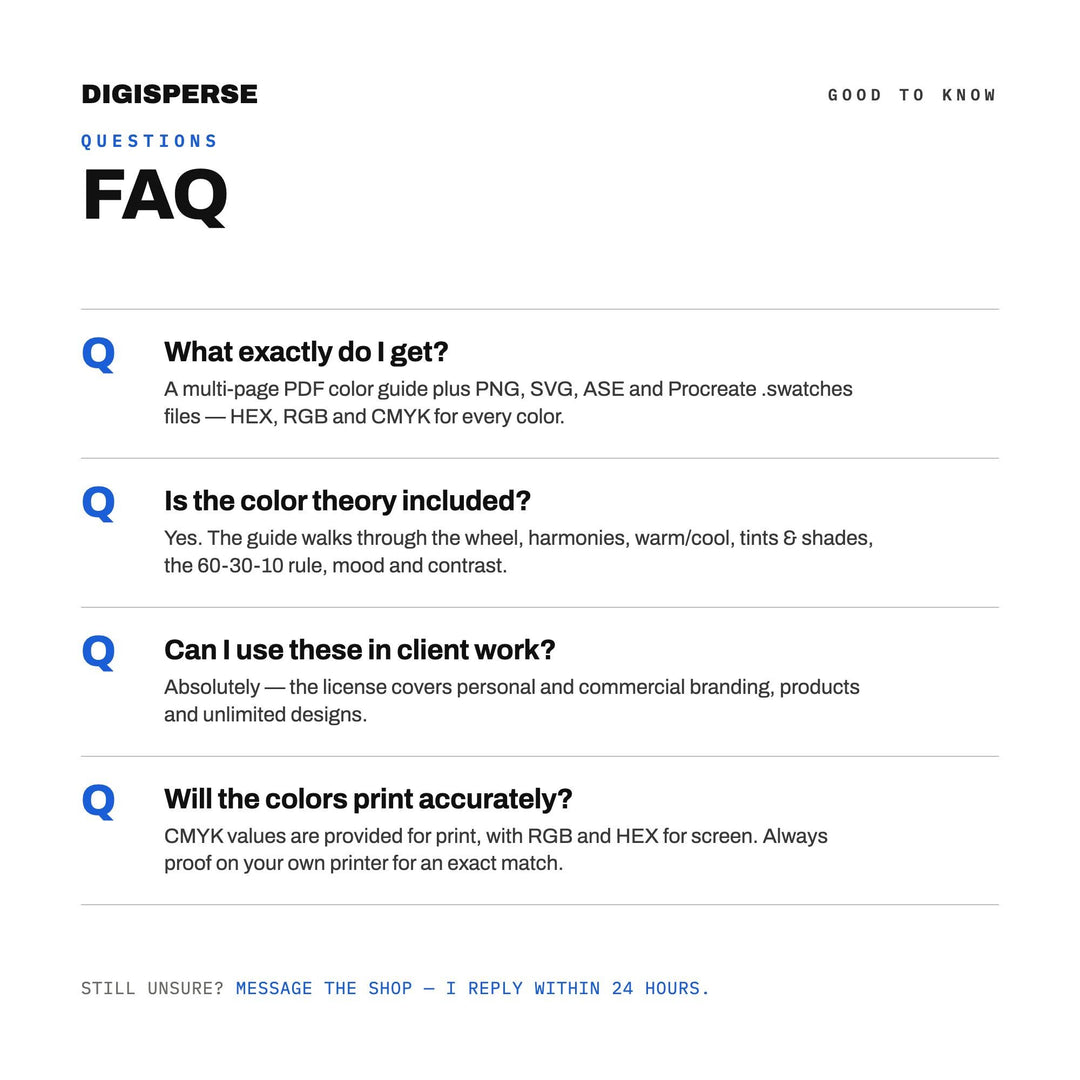
The Coastal Dune palette gives you 30 hand-balanced shades with every code you need — hex, RGB and CMYK — plus ready-to-import swatch files for the apps you already use.

What's included

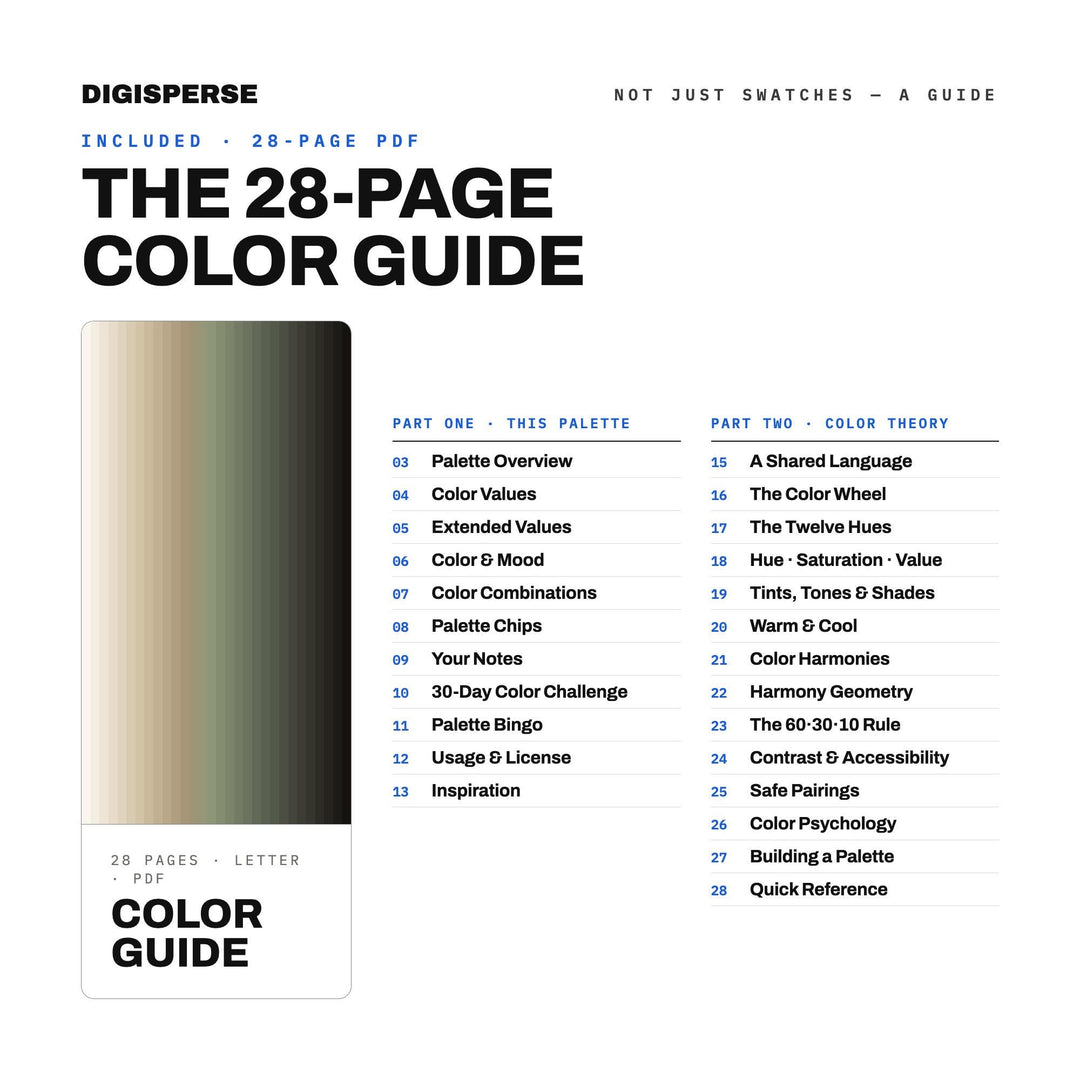
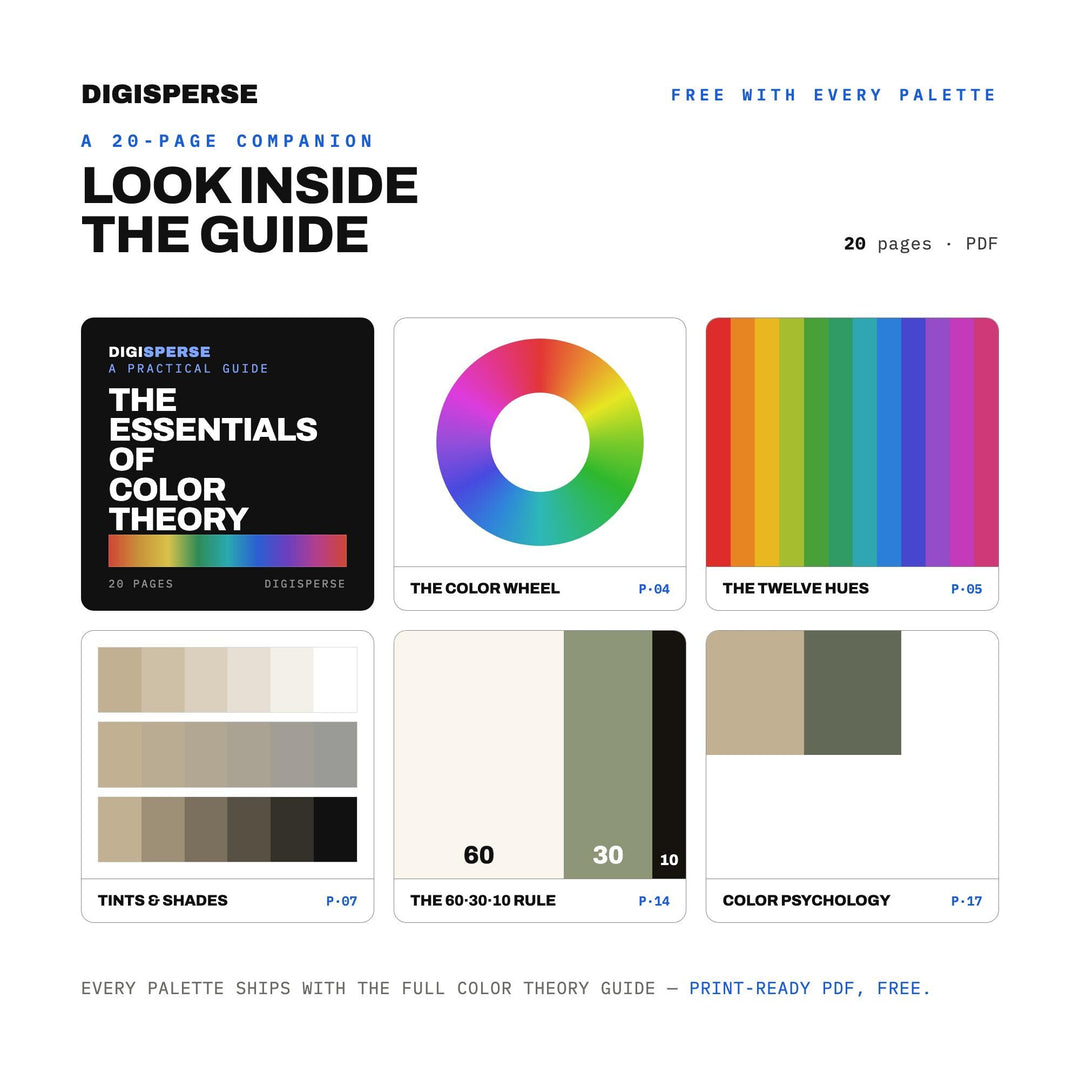
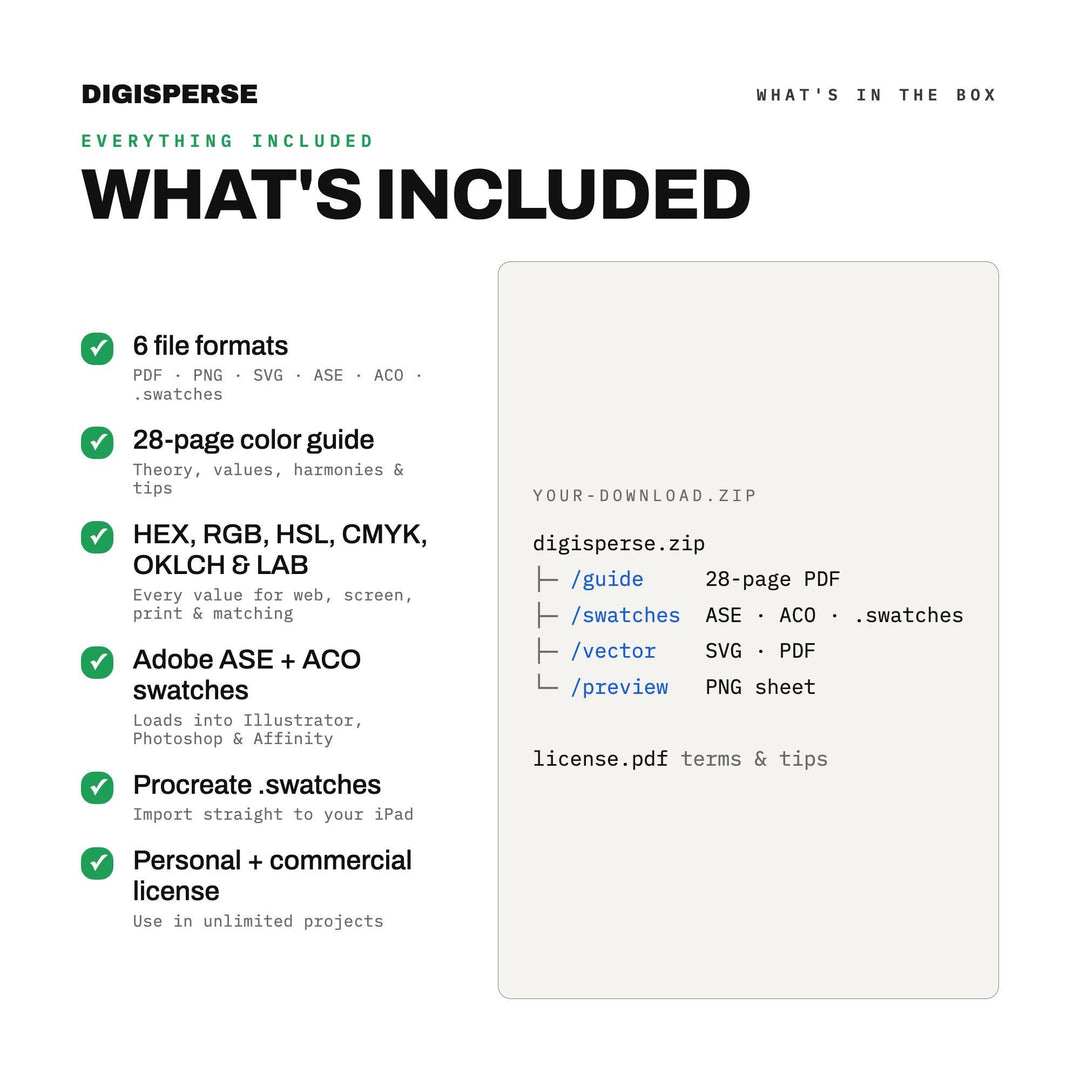
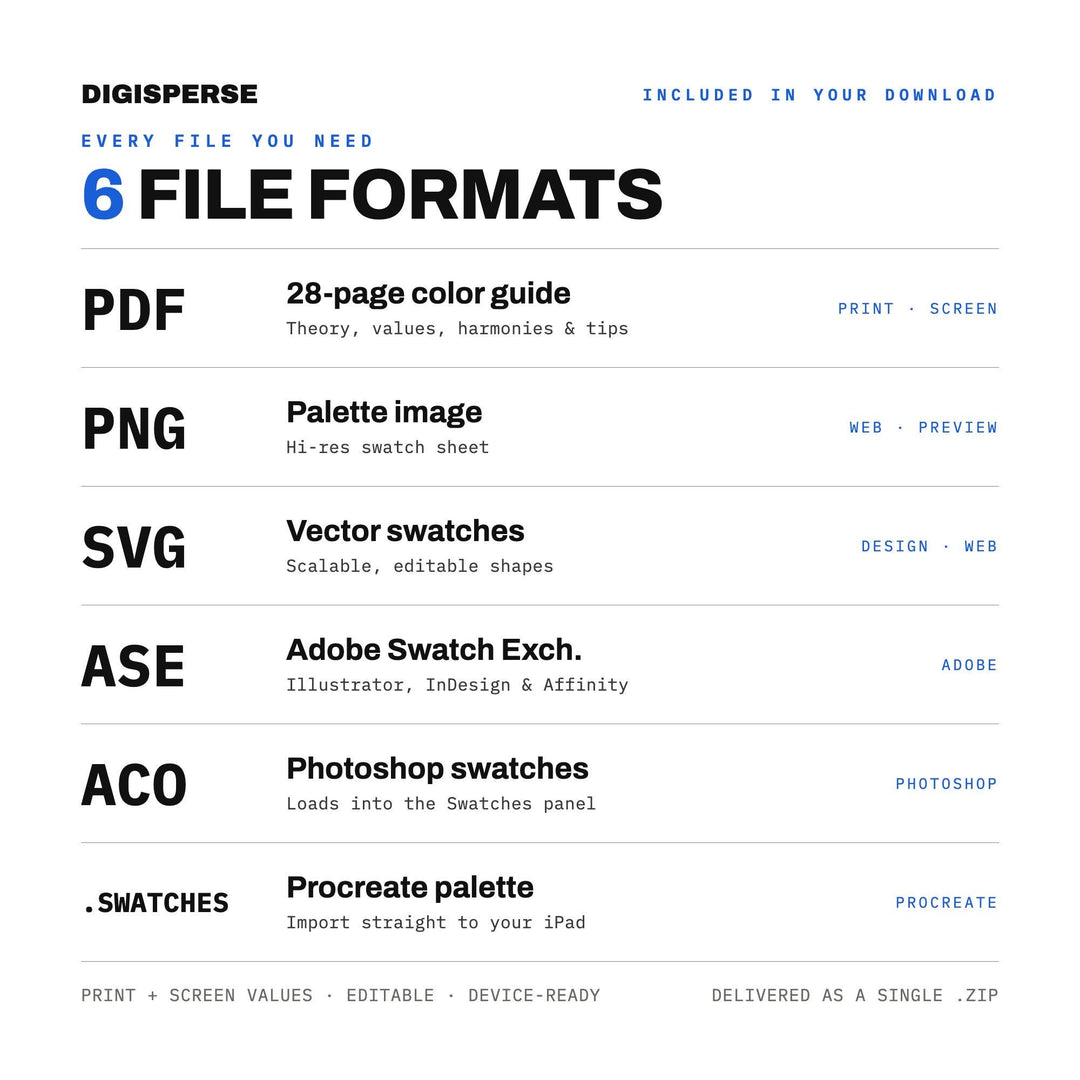
  • A printable colour guide with hex, RGB and CMYK values for all 30 shades
  • Procreate .swatches palette (one-tap import)
  • Adobe .ase and .aco swatch files for Photoshop, Illustrator and Affinity
  • High-resolution swatch sheet in PNG, SVG and PDF
  • Everything zipped together in one ALL_FORMATS download

Perfect for

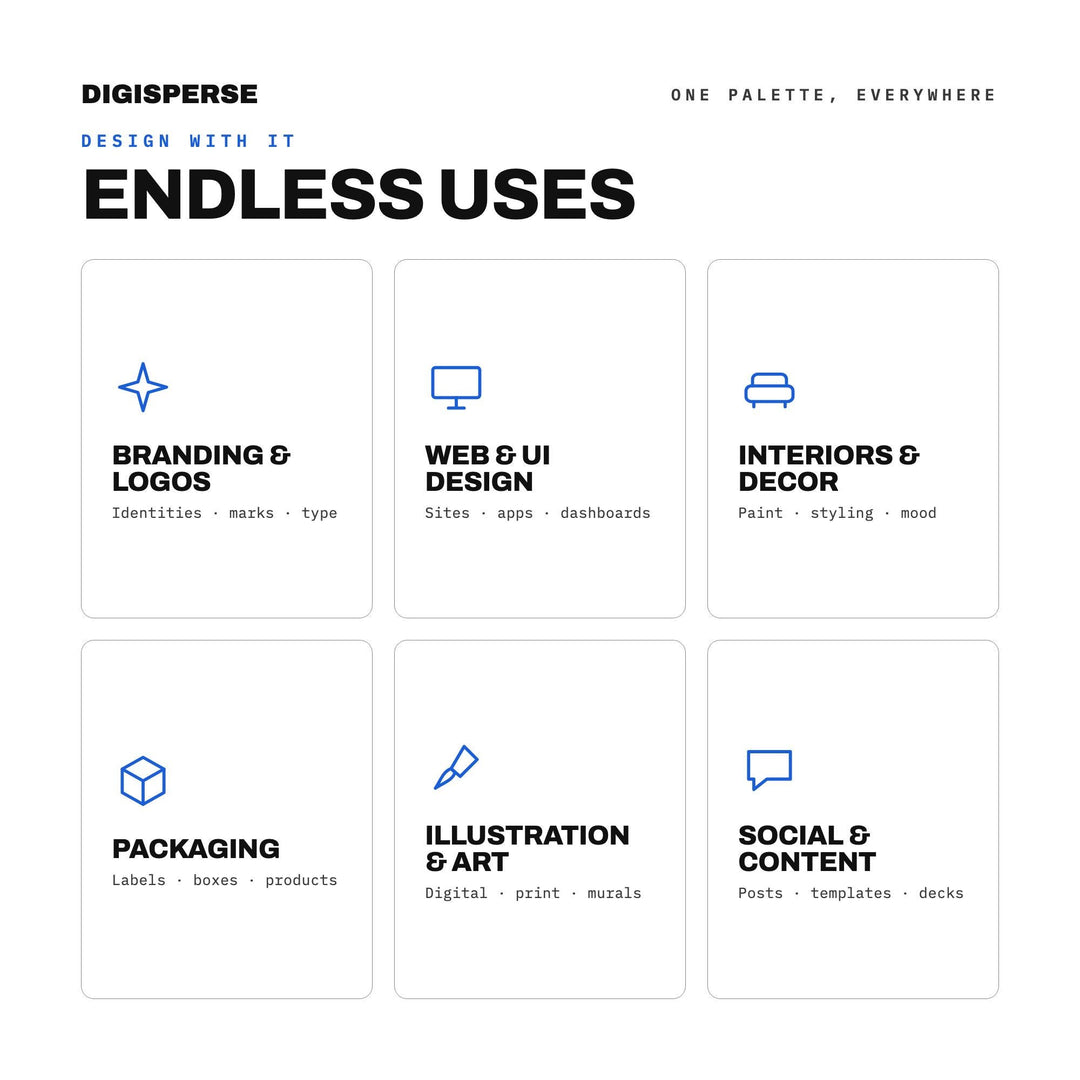
  • digital painting and illustration
  • brand and logo design
  • website and UI mockups
  • social media graphics and templates
  • scrapbooking and journaling
  • interior and craft mood boards

How it works

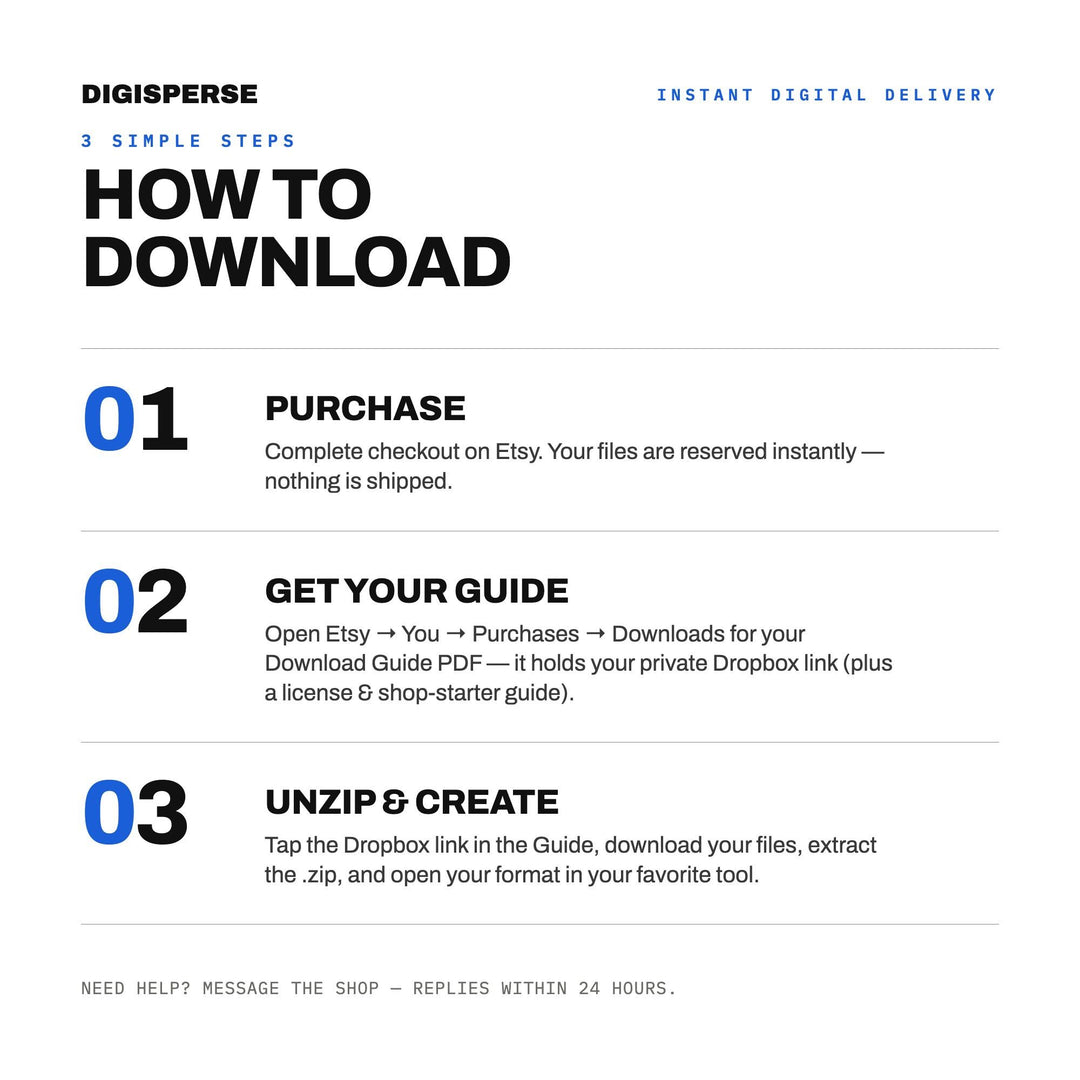
This is a digital download — no physical item is shipped. Your files are available immediately after checkout through secure download links, and the links are emailed to you as well so you can grab them again any time.

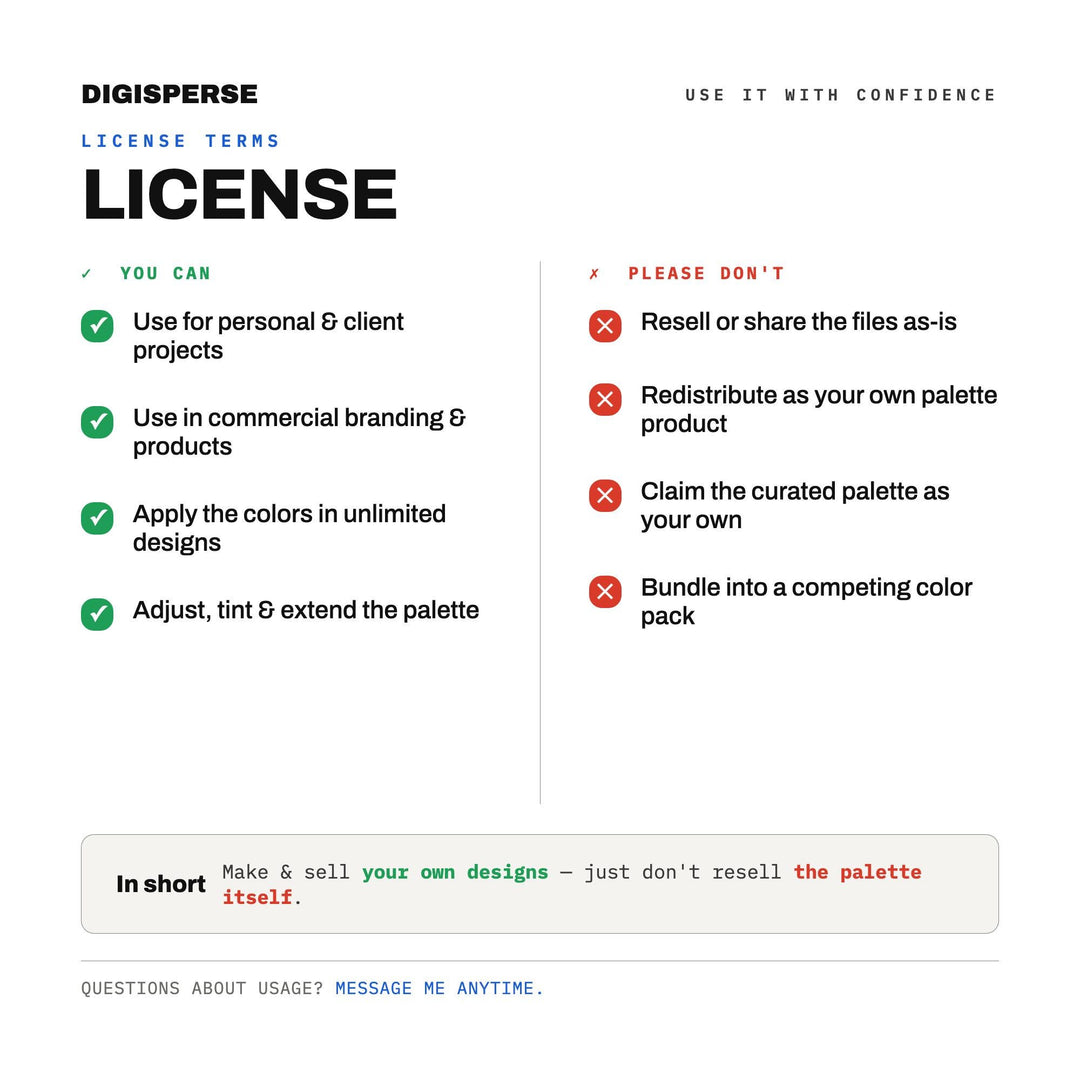
License

Personal and small-business commercial use is included — sell what you make with these files. Reselling, sharing or redistributing the files themselves is not permitted.

→ Instant download after checkout → No shipping, ever
FormatsACO, ASE, PDF, PNG, SVG, SWATCHES
DimensionsPrintable swatch sheet (PDF/PNG) plus scalable SVG
Skill levelBeginner friendly
Commercial usePersonal and small-business commercial use included; resale or redistribution of the files themselves is not permitted.
License in one line
Make things, sell them — just don't resell the file itself. Whole license, in English →

Exactly what you get

ZIP coastal_dune_ALL_FORMATS.zip
PDF coastal_dune_guide.pdf
ACO coastal_dune_palette.aco
ASE coastal_dune_palette.ase
PDF coastal_dune_palette.pdf
PNG coastal_dune_palette.png
SVG coastal_dune_palette.svg
SWATCHES coastal_dune_palette.swatches

Works with

Procreate5+ (.swatches)
Adobe PhotoshopCS6+ (.aco/.ase)
Adobe IllustratorCS6+ (.ase)
Affinity1.9+ (.ase)

Install in Under 2 minutes

1Procreate: Open the .swatches file and tap to import into your palettes.
2Photoshop: Window ▸ Swatches ▸ menu ▸ Import Swatches, pick the .aco.
3Illustrator/Affinity: Open the Swatches panel and load the .ase.
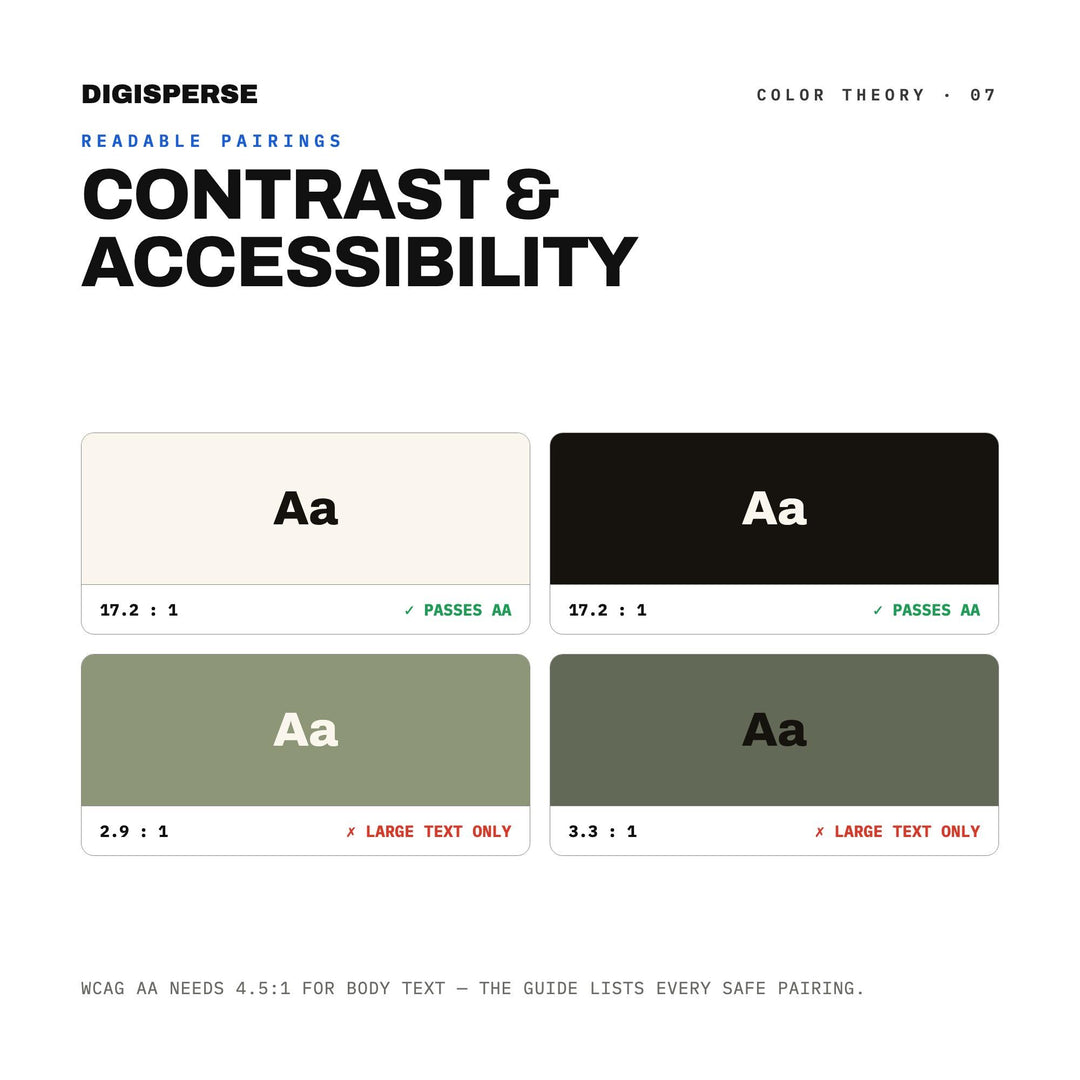
Skill level: Beginner friendlyInstall: EasyHex, RGB and CMYK values supplied for contrast checking

Provenance

Made with an AI generator

Digisperse designs are produced with the help of an AI generator and finished, checked and curated by hand before release. This mirrors the 'With an AI generator' production disclosure on our Etsy listings.

Verified reviews · made with this file

What's inside

7 files
ACO, ASE, PDF, PNG, SVG, SWATCHES, plus one ALL_FORMATS zip holding every file.
30 colors
Exact hex codes for every swatch, ready to paste or import.
Dimensions
Printable swatch sheet (PDF/PNG) plus scalable SVG
One license
Personal and small-shop commercial use included — sell what you make. Just don't resell the files themselves.

After checkout

Pay
Card, PayPal, or one tap with Shop Pay.
Download
Your files page opens immediately; a link also lands by email.
Re-download anytime
Every purchase stays in your account under Downloads.